
Control Your Sound, Your Way
Transform your device's audio experience with beautiful, customizable volume controls. Perfect solution when hardware buttons fail or you simply want stylish, easy access to all your sound settings.
Why Users Love Volume Control
Works When Buttons Don't
Never let broken volume buttons stop you. Control all your audio settings through an always-accessible software panel that works perfectly even when your hardware buttons fail.
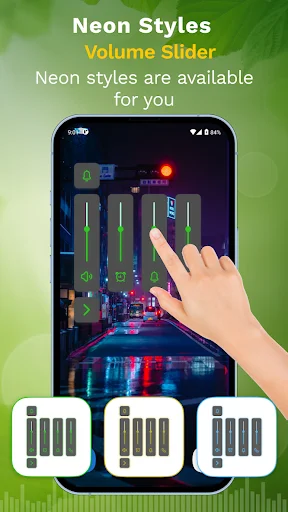
Beautiful Custom Themes
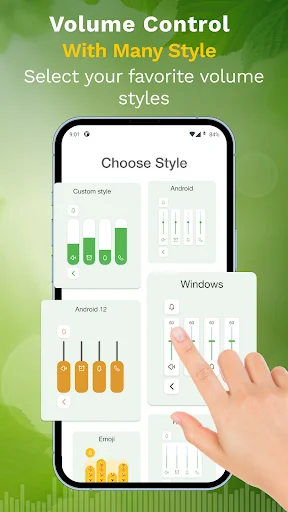
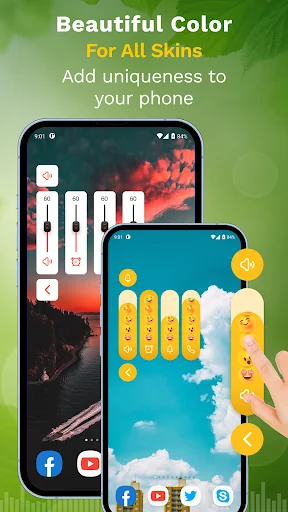
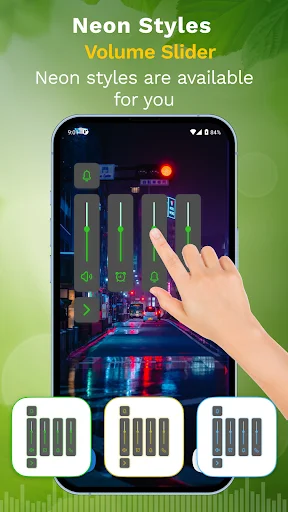
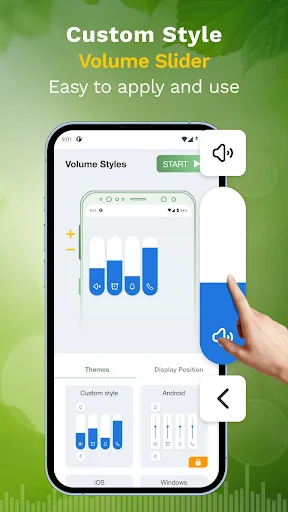
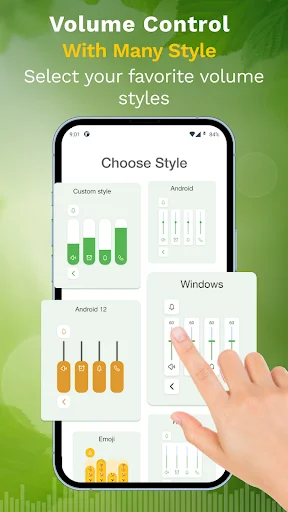
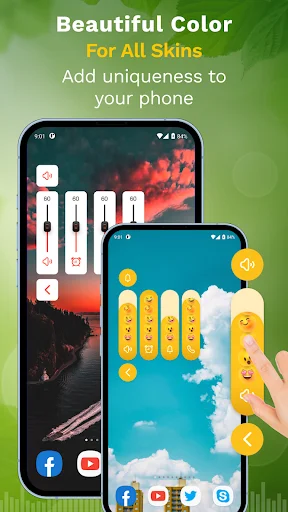
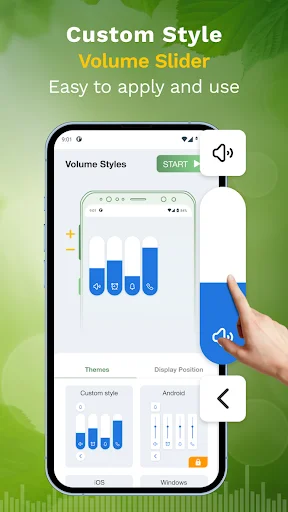
Choose from over 50 stunning themes to match your style. Make your volume control panel as unique as you are with designs that look great and feel smooth.
Everything in One Place
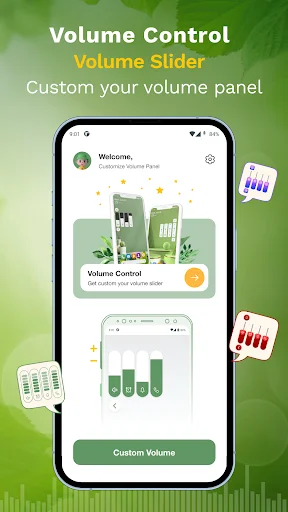
Adjust ringtones, alarms, media, notifications, and system sounds all from one convenient panel. No more hunting through settings – control it all with a single tap.
Designed for Everyone
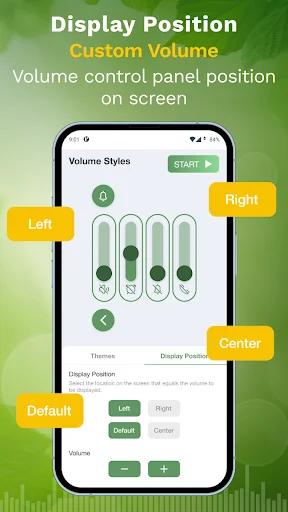
Enjoy smooth animations and easy controls that work for both left and right-handed users. Quick adjustments with an interface so simple, anyone can use it.
About This App
Master Your Device's Sound with Volume Control Styles and Themes!
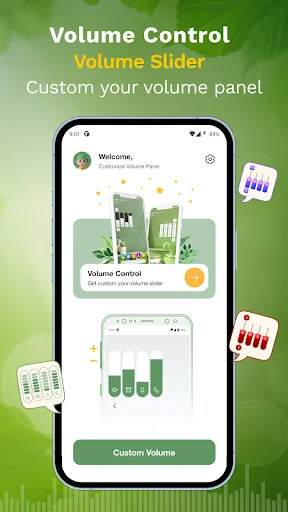
Take control of your Android device's audio experience with the ultimate customization app. Whether your volume buttons aren't working or you want a stylish new way to manage your sound, our app provides the perfect solution. With Volume Control Styles, you can personalize and enhance your volume panel with different themes.
Core Features of Volume Control Styles:
- Customize your panel with stylish themes using Volume Control Styles
- Change your settings without using hardware keys thanks to Sound Buttons Panel Control Themes
- Personalize your sound experience with easy-to-use Slider Volume Keys
- Adjust multiple things, including ringtone, alarm, media, and notifications
- Smooth and quick adjustments with the Audio Control Volume Customizer
- Over 50 customizable themes to choose from for your panel
- User-friendly interface with smooth animations for effortless control
- Control your music, calls, and system sounds in one place
Personalize Your Audio with Sound Buttons Panel Control Themes!
Take your sound control to the next level with Sound Buttons Panel Control Themes. These innovative themes allow you to transform the look and feel of your sound panel, making it a stylish part of your device.
Effortless Adjustments with Slider Volume Keys:
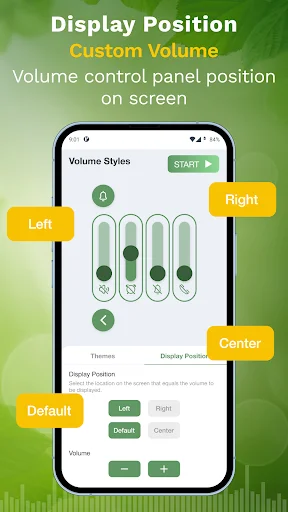
Slider Volume Keys simplify how you manage sound levels on your Android device. Slider Volume Keys provide smooth, precise control. You can even adjust the orientation of your panel, making it more convenient for both right- and left-handed users.
Fully Customizable Audio with Audio Control Volume Customizer:
The Audio Control Volume Customizer gives you complete freedom over your device's sound settings. From ringtones to notifications and even system sounds, you can customize every aspect of your audio experience. The Audio Control Volume Customizer allows you to create a personalized audio environment that suits your needs perfectly.
Unlock a New Level of Volume Control with Volume Control Styles!
With Volume Control Styles, you get more than just functionality—creativity and customization. Whether it's using Sound Buttons Panel Control Themes to change the way your sound panel looks or using Slider Volume Keys to adjust sound with ease, this app offers it all. The Audio Control Volume Customizer ensures that your audio experience is completely tailored to you.
Accessibility Service Information
This app uses Accessibility services.
The Accessibility Service is required to allow the volume panel to show when you click your volume buttons.
The service is not used for anything else and does not watch or collect data.
On some devices, when granting the Accessibility Service, a popup may show that the app can read text you type, including private information. Volume Styles does not read any of this information and does not monitor the text you type. The volume buttons are the only buttons/keys that the Accessibility Service monitors to show the custom volume panel.
Note:
- The app requires permission to run the service in the background.
- Some phones kill the background service. Those users need to follow the steps mentioned in the app.
See the Beautiful Themes in Action
Join 500,000+ Happy Users
This apps helps me with my phone has detached its power off and defect volume due to lenght of its service..Thanks this apps you can reboot your phone and.adjust the volume.with this apps recommended apps
very useful and excellent performance
good app for increasing sound
It's very good app pls try it
Best app in Play store
It looks too asthetic