Use Two Apps At The Same Time
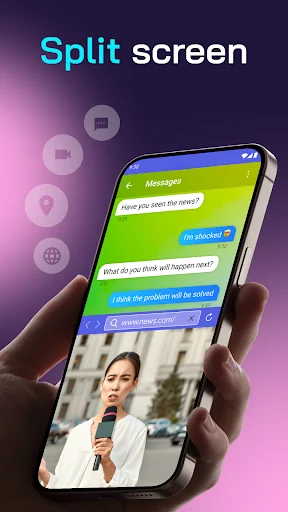
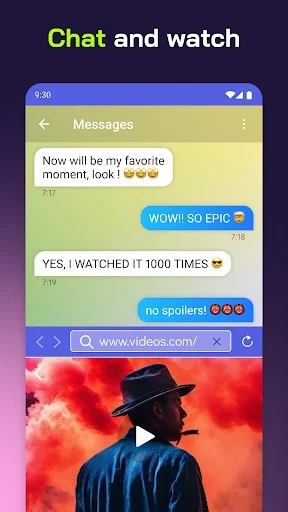
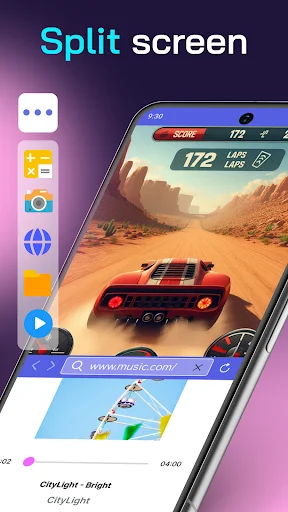
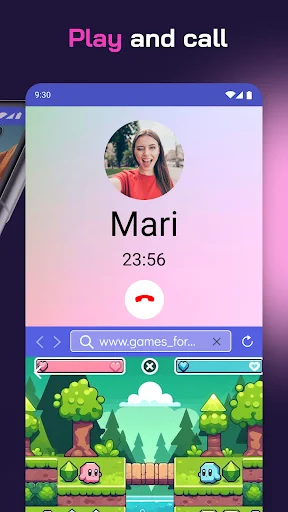
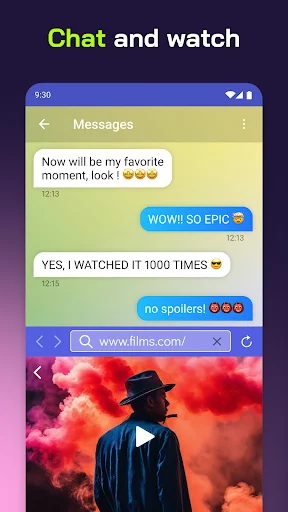
Split Screen makes multitasking easy on any Android phone. Watch videos while chatting, attend classes while taking notes, or browse while messaging – all on one screen.
Everything You Need To Multitask Better
Split Your Screen Instantly
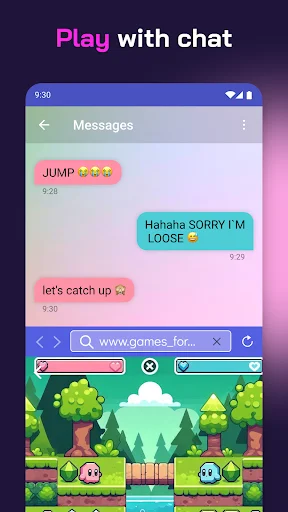
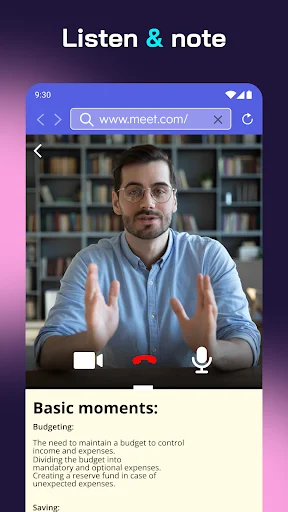
Run two apps side by side with a simple tap. Perfect for students attending online classes while working on assignments, or anyone who needs to see multiple apps at once.
Quick Access Floating Button
Access split screen mode anytime with our easy floating button. No need to dig through menus or settings – just tap and start multitasking in seconds.
Adjust Screens Your Way
Control exactly how much space each app gets with flexible sizing. Unlike built-in features, you get more control to make each screen the perfect size for your needs.
Works Without Internet Connection
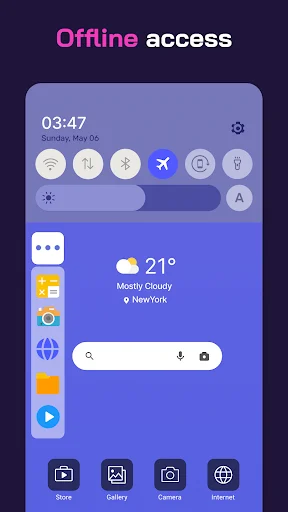
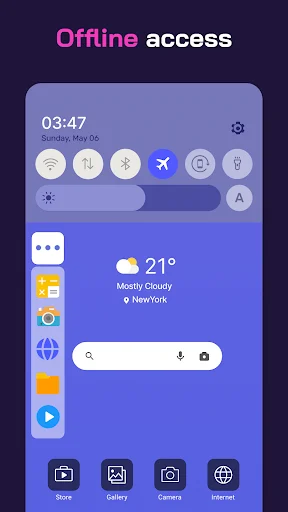
Stay productive anywhere, even offline. Split Screen works perfectly without Wi-Fi or data, so you can multitask wherever you are.
About This App
Split Screen Shortcut: Revolutionize Your Device!
Have trouble using two apps at once? Say hello to the all-new Split Screen Shortcut – your ultimate mobile multitasking hack. Now, with our revolutionary mobile app, you can easily access and use many apps.
Welcome to the future of device interaction with the Split Screen Dual Window! Here's why it's a game-changer!
Key Features of Split Screen Dual Window:
- Dual Mode: A single Android screen runs and manages multiple tasks simultaneously
- Floating Button: Access the Multitasking Screen with a need and requirement-powered option at a quick
- Customizable Button: One can change the button's color to get it synchronized with the device's theme
- Vibration Alert: A vibration alert for every transition
- User-Friendly Interface: The user interface is easy to operate and reach for every user
- Offline Accessibility: It can work on Multitasking Screen features without an internet connection
Multi Screen Splitter - Unleash the Power!
The Multitasking app will let you easily manage and run multiple apps simultaneously. Designed for those who need dual display that keeps up with their fast-paced life, the multiscreen splitter feature divides your display for effective multitasking.
Experience Multitasking Like Never Before:
Split Screen Dual Window is an excellent way to provide a fast process when using our app to view videos, type text messages, or work on documents. It assures users of a fluid experience in multitasking. This powerful tool is especially beneficial for professionals, students, and all those who want to maximize their productivity.
Customize Your Experience With The Multi Screen Splitter:
Our Picture In Picture: Multiple Screen App can be tailored to your needs, from a color adjustment of the floating button to set up vibration alerts, all the way to the accommodation of any feature for your good.
Anywhere, Staying Productive:
It means that you will remain productive no matter where you are because it provides offline accessibility of Split Screen Shortcut. No Internet? No Problem! You can continue using multi-screen splitter functionality with no hassle.
User-Friendly Interface:
Seamless navigation! Enjoy a user-friendly interface that makes multitasking view intuitive and accessible for all users. Stay connected seamlessly! Set up vibration alerts for actions, ensuring you know every transition.
Start Using Split Screen Dual Window Today:
Get Split Screen Shortcut to make a difference in your device's use. Our Multi Screen Splitter app offers the best solution for multitasking screens for work or leisure. Step into the future of multitasking with our innovative app. Embrace the convenience and efficiency of Picture In Picture: Multiple Screen App.
Start Using Split Screen Shortcut Now!
Get access to the ultimate in multitasking. Download Split Screen Shortcut today and experience how easy multitasking and split-screen viewing can make your device an efficient productivity powerhouse. Experience the future with our multi-screen splitter and Picture In Picture: Multiple Screen App.
See How Easy Split Screen Really Is
Join Millions Who Love Split Screen
Love this app. Works super well. I had a built in split screen feature on my other phone and I'm not adjusting well without it, so I downloaded this. I actually like this app MORE because I can adjust how big each screen is with a LOT more wiggle room than even my built in one. Highly suggest!
Amazing app!!👍 like it a lot....when my tests were there...and the teacher said to attend the online class and open the video as well as do the test in our school app...this worked as a charm for me...recommending it to other people😃😃😃😄😄😁😁😁🙂🙂🙂👏👏👏👏👏👏👍👍👍👍👍👍👍👍✌✌✌✌✌✌🙏🙏🙏
This is best split screen app I have ever seen. Before downloading this app I thought that this wouldn't work also but It works and really helpful for me because of this app I can use 2 apps at a same time ☺️🤩
The app is amazingly fantastic, my phone does not have an inbuilt split screen function but hey! that is not a problem, because this app does it all. All thanks to the developers, they have done a great job
UR the team made things happen on split screen one of the best app created 4 us made in India🇮🇳 on the right direction (do not get into scam) I recommend others to just try this app once 👍😷
good app verry easy to use and effective to my phone android. split screen is a good for me thanks you developer for making this i love it.