Record Your Screen and Face Together
Create engaging gaming videos and tutorials with dual camera recording. Capture your screen, reactions, and voice all at once with professional quality.
Everything You Need to Create Amazing Content
Show Your Reactions While Gaming
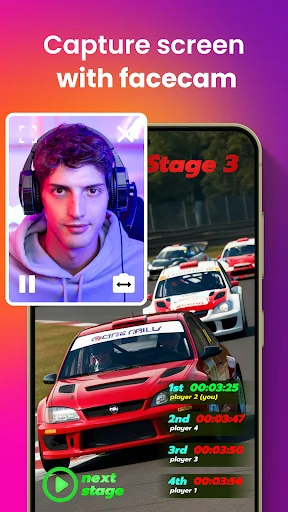
Record both your screen and face at the same time using dual camera mode. Perfect for reaction videos, gameplay commentary, and tutorials where your audience wants to see you and your content together.
Record While You Multitask
Keep recording in the background even when you switch to other apps. No interruptions means you never miss a moment, and you can use your phone freely while capturing everything.
Crystal Clear Quality Every Time
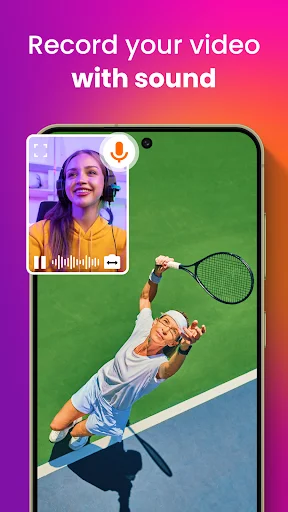
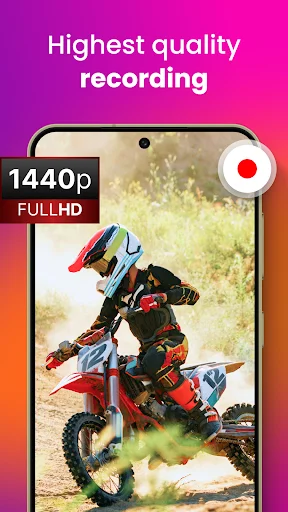
Choose from multiple resolution options up to 1440p for stunning video quality. High-quality audio recording captures every word and sound perfectly, giving your videos a professional touch.
Start Recording in Seconds
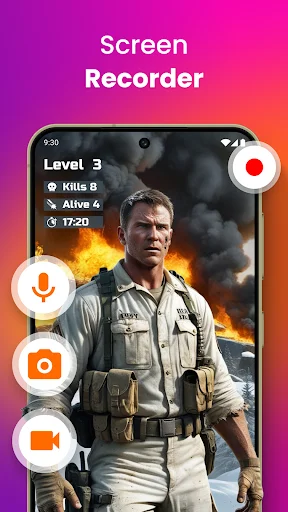
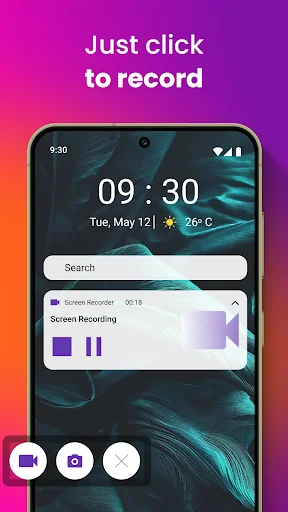
Simple one-tap controls make recording effortless. No complicated settings or confusing menus – just open the app and start capturing your best moments right away.
About This App
Gaming Screen Recorder With Audio - Record and Capture Effortlessly!
Find the ultimate Facecam app to record your favorite moments in a game with ease. The Gaming Screen Recorder With Audio is designed to give the best video and audio recording of your activities. This wonderful Facecam: Screen Audio Recorder tool is targeted at gamers, educators, and others who need to make a high-definition recording with clear audio.
With the ability to record both the screen and sound, the Facecam Dual Camera: Record Screen feature enables seamless recording for any occasion.
Key Features of Gaming Screen Recorder With Audio:
- Screen Recording With Audio: Record with video and audio in sync
- Facecam Dual Camera: Record Screen: Utilize both your front and back cameras while recording
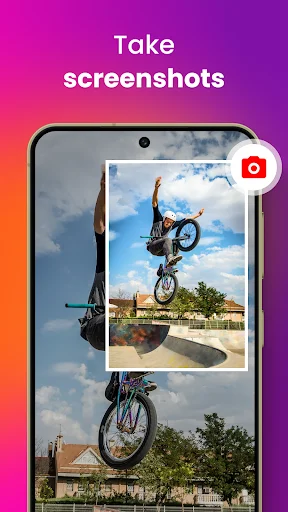
- Screen Capture Phone Recorder: Capture screenshots of your phone with a single tap
- Background Video Recorder With Audio: Continue recording even when the app is minimized
- Facecam Video Recording: Record in high-definition with adjustable settings to suit your needs
- Screen Audio Recorder: Record high-quality sound directly from your device's microphone
- Background Video Recorder With Audio: Keep recording even in the background for seamless multitasking
Capture Every Moment with Dual Camera: Record Screen!
With the Dual Camera: Record Screen feature, you can simultaneously capture your phone and yourself using the front camera. This is especially useful for creating reaction videos, tutorials, or gameplay videos where your audience can see your phone and expressions. The Screen Recording With Audio function captures your voice and game sounds perfectly, providing a professional touch to your recordings.
Seamless Background Screen Capture Phone Recorder With Audio:
Sometimes, you need to continue recording while using other apps, and that's where the Background Video Recorder With Audio comes in handy. This feature allows you to minimize the recorder and continue capturing high-quality video recordings without interruptions. You can use your phone for other tasks while recording everything in the background. Perfect for multitaskers!
High-Quality Video Recording with Customizable Settings:
The Gaming Screen Recorder With Audio app has a number of resolutions you can select from, starting at 240p and going all the way up to 1440p. This means you can benefit from a series of top-quality recordings: either save storage space or make your videos look outstandingly detailed. The Screen Audio Recorder is smooth and efficient, capturing every frame without lag or stutter.
Start Capturing Your Screen Effortlessly!
Whether one is into gaming, content creation, or just needing to record the screen of his or her phone, Gaming Screen Recorder With Audio is there. It combines a Dual Camera: Record Screen, Screen Recording With Audio, and Screen Capture Phone Recorder in one application, thus proving it versatile yet powerful for all recording needs.
See the App in Action
Loved by Content Creators Everywhere
Great work Sir You are Excellent developer
Very good app I like it😍
Very simple to use it
Very usefull app.
works for me
Nice design