Control Your Phone Without Power Buttons
Turn your screen on and off with a simple double tap or shake. Perfect for phones with broken buttons or anyone who wants easier phone control.
Smart Features That Make Your Life Easier
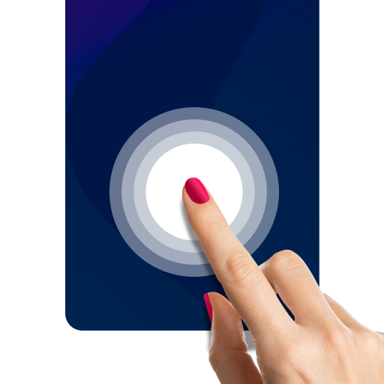
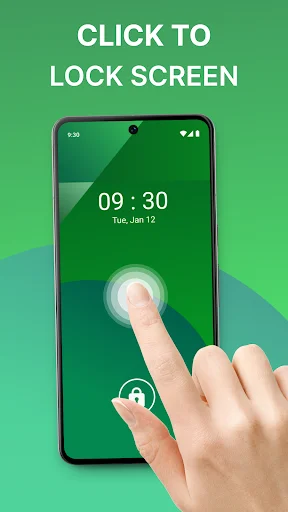
Double Tap Screen Control
Turn your screen on or off with just two taps. No more struggling with stuck or broken power buttons – your screen is always just a tap away.
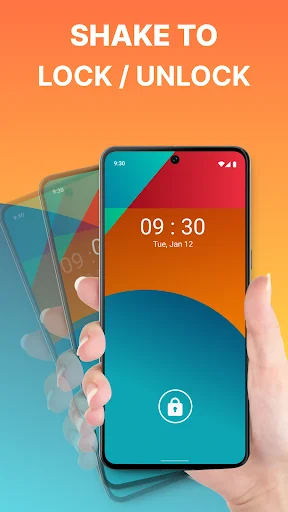
Shake to Wake Your Phone
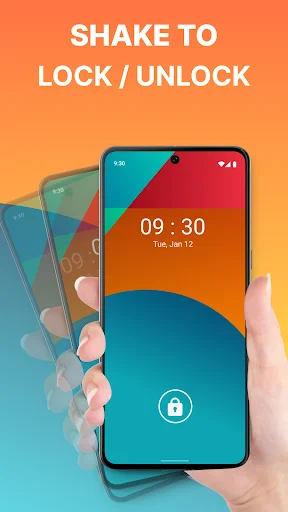
Simply shake your device to turn the screen on or off. Perfect when your hands are full or you need quick access without reaching for buttons.
Custom Gesture Lock Security
Protect your personal information with a custom gesture pattern. Add an extra layer of security without typing passwords every time you unlock your phone.
Floating Button Quick Access
Access your favorite apps and settings instantly with a floating button that stays visible on your screen. Move it anywhere you want for maximum convenience.
About This App
Lock Screen: Touch Lock for Seamless Control!
Enhance your device's security and convenience with Lock Screen: Touch Lock. Whether you're looking for Gesture Lock Screen protection or a simple Touch Screen Lock, this app gives you complete control over your phone's display. Manage your device easily using the Phone Lock Screen Touch feature, and enjoy effortless control. Plus, the Double Tap Screen On and Off option makes turning your phone on or off a breeze.
Lock Screen: Touch Lock Key Features:
- Double tap to turn on/off the phone for fast access
- Activate the phone with Shake Phone to Unlock for convenience
- Protect your data with a Gesture Lock Screen
- Use the floating popup button for easy access to apps and settings
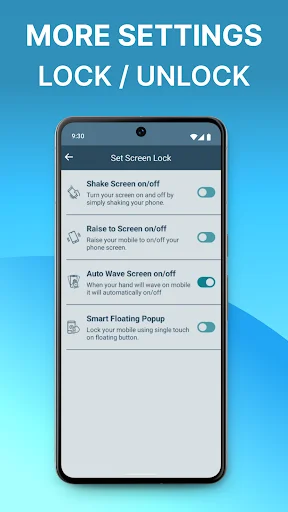
- Seamlessly switch between modes
- Manage your device with ease using Phone Lock Screen Touch
- Customizable Touch Screen Lock for accidental touch prevention
Have a Secure Phone With Touch Screen Lock!
The Double Tap Screen On and Off feature offers a quick and easy way to manage your phone's display. Double-tap the phone to turn it on or off, eliminating the need to press the power button. Whether at work or on the go, the Double Tap Screen On and Off option makes phone management effortless.
Screen On/Off Using Shake Phone:
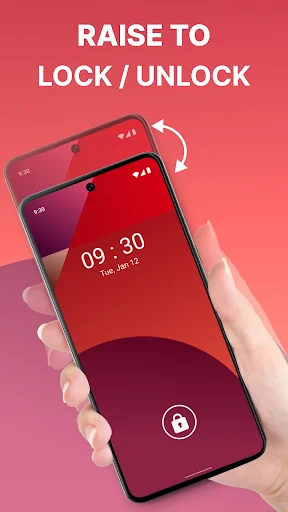
Unlock your phone with just a shake! The Shake Phone to Unlock feature provides an intelligent alternative to pressing buttons. Shake your device, which will turn on or off, making it incredibly easy to wake your phone. This feature is perfect for users looking for a fast, hands-free way to interact with their devices, whether carrying groceries or multitasking.
Set Gesture Lock for Enhanced Security:
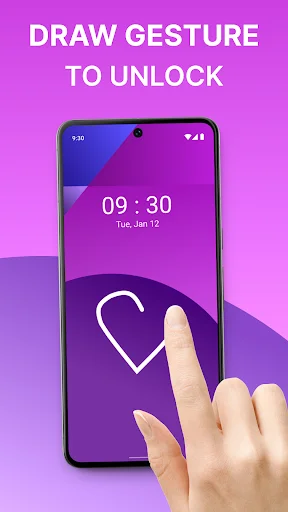
Protect your personal information with a Gesture Lock Screen. This feature allows you to set a custom gesture to unlock your phone, ensuring that only you can access your device. This fantastic tool is ideal for anyone who wants an added layer of security without the hassle of entering a password or PIN each time.
Floating Popup Button for Quick Access:
The floating popup button allows users to conveniently access frequently used apps, settings, and features. This button stays visible on your phone and can be moved to any location you prefer, allowing for quick access to your favorite apps and settings without navigating through menus.
Take Full Control with Lock Screen: Touch Lock!
Lock Screen: Touch Lock brings your device a new level of convenience and security. This app makes it easier to use, from managing your phone with the Double Tap Screen On and Off feature to unlocking it with a simple shake.
Access permissions:
- Accessibility: The Phone Lock Screen Touch App uses Accessibility permission to turn off the display, unlock and lock it, and use the foreground app to determine whether to turn our tasks on or off.
- Administrator: The app uses administrative permission for the privilege to turn off the display.
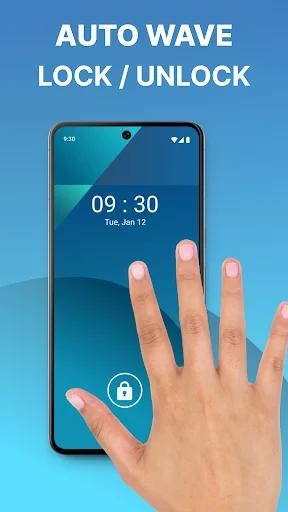
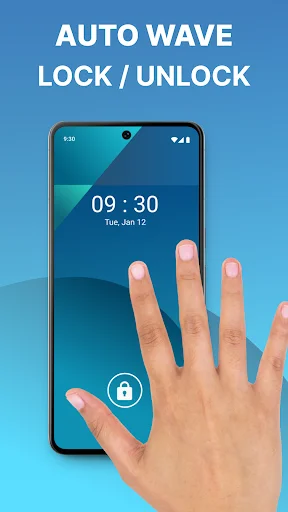
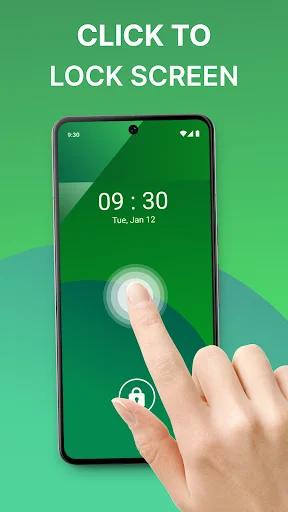
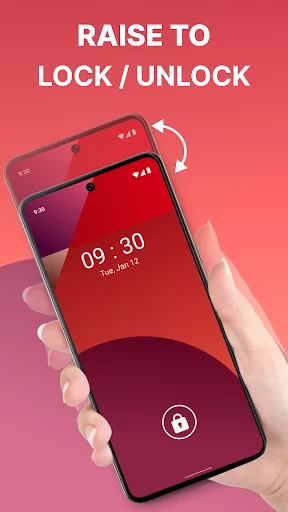
See How Easy Phone Control Can Be
Join Millions Who Love This App
Wow fantastic app ,my old phone home and power button not working properly and also android version is 8 no further update so can't to any tweak in settings , i found this app and I like its wake to raise feature , very sharp and active when he lift phone , no hassle..good work by devloper ..keep it up and make further improvements
Its a kind of happiness for me because my phone's power button was internally damaged and the repairman says that there is a risk of damaging of display......so i just search in playstore for such an app and i got this......download this because this is an ecofriendly and i am very grateful to the maker of this app...thanks alot..
This is the best and only screen on or off app I've ever used ever since the on/off button of my phone got lost and I've been double pressing the volume buttons all the time. It's so compact and easy to manipulate and also gives you options of how you want to on or off your screen. If I could give it and extra star I would. ⭐⭐⭐
has so far worked perfectly on my Mi A2 phone. had a broken power button and couldn't find a way to turn my screen on. after multiple other apps not working, tried this one with not much expectation, but it worked very well
I really love this app, I recommend this app to everyone, try it you will never regret. My power button was not working at first but when I downloaded this app, I found it easy to turn off and on my phone,really impressed.
This is very good, my phone was damaged so its power button was not working but now it is perfectly fine, only because of this app I am not facing any problem in turning it on and off.