
Modern Gesture Navigation for Any Android Device
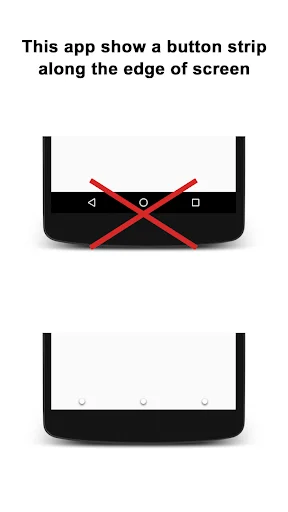
Experience smooth, customizable swipe controls that work perfectly with your favorite launcher. No more button navigation – just effortless gestures that feel natural and fast.
Everything You Need, Right at Your Fingertips
Works With Every Launcher
Unlike built-in gestures, this app works flawlessly with third-party launchers. Enjoy smooth, lag-free navigation without sacrificing your preferred home screen experience.
Customize Everything Your Way
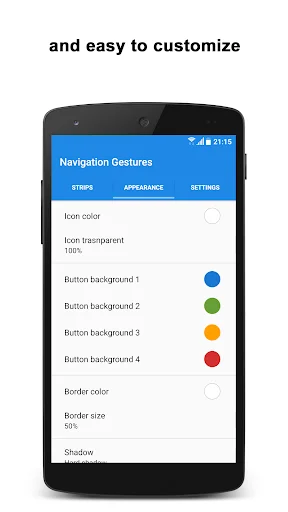
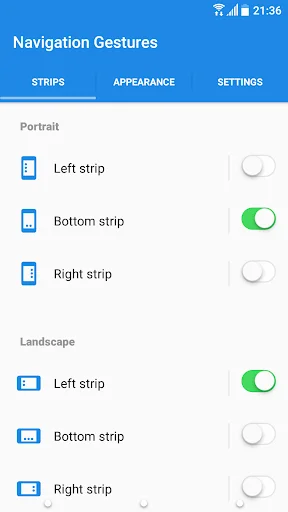
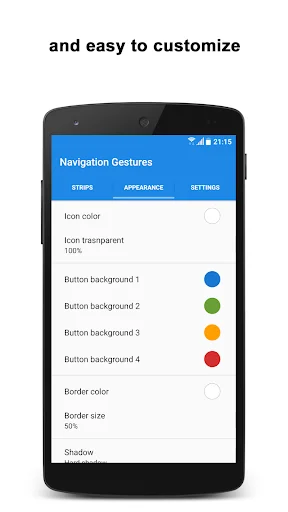
Make navigation truly yours with full control over appearance, size, position, and sensitivity. Create the perfect setup that matches your style and feels comfortable in your hand.
Access 20+ Actions Instantly
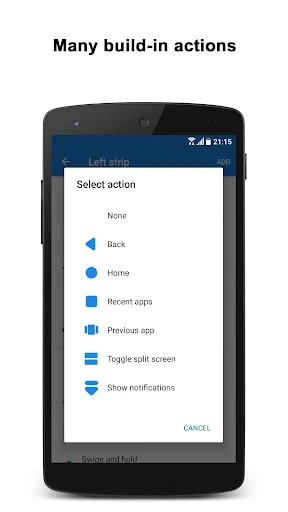
Go beyond basic navigation with quick gestures for screenshots, flashlight, WiFi toggle, volume control, and more. Save time by accessing essential functions without digging through menus.
Invisible When You Want
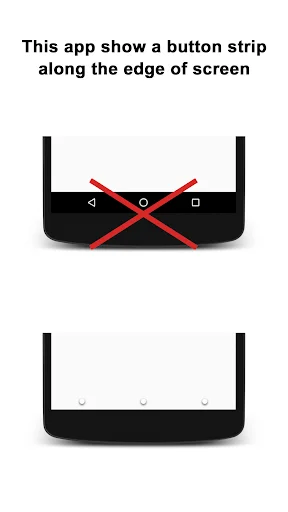
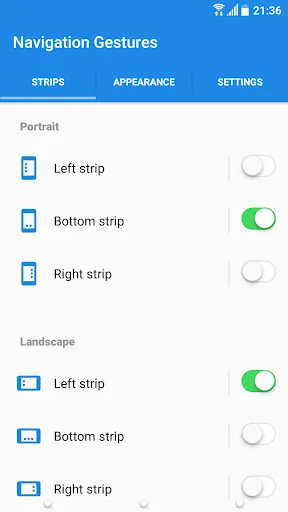
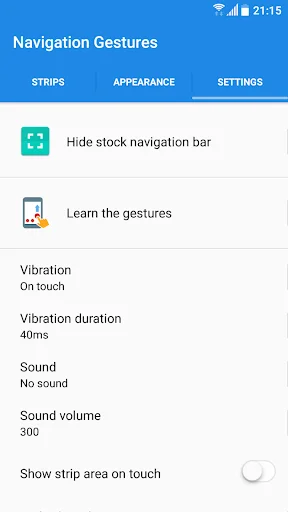
Hide the navigation strip completely for maximum screen space, or tap once to make it disappear temporarily. Enjoy a clean, modern look without compromising functionality.
About This App
Bring Seamless Navigation Gestures to Any Android Device!
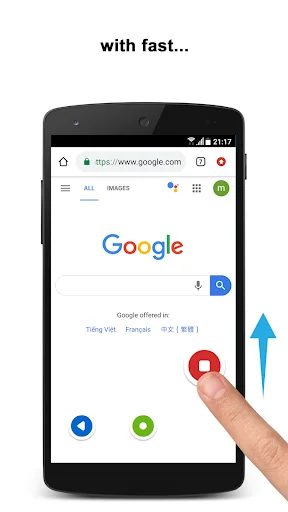
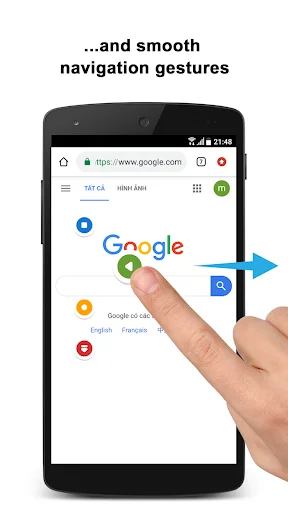
⭐ Experience the smooth and intuitive navigation gestures of Samsung Galaxy OneUI on any Android device. With fast and fluid animations, our app ensures a seamless transition between tasks, enhancing your smartphone experience with efficient swipe control.
Tired of buttons? Try this easy gesture control app for Android and swipe your way around.
Comprehensive Gesture Controls
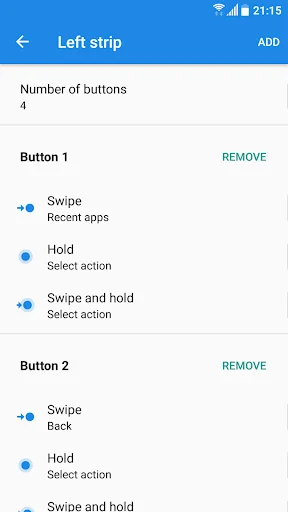
Gestures:
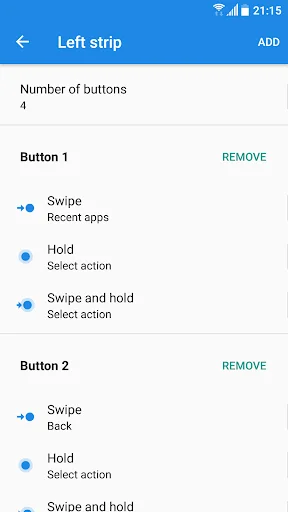
- Tap and hold
- Swipe
- Swipe and hold
You can also tap once on the strip to temporarily hide it, making your navigation effortless and unobtrusive. Our gesture control app for Android provides a variety of gestures to meet your needs.
Extensive Action Options
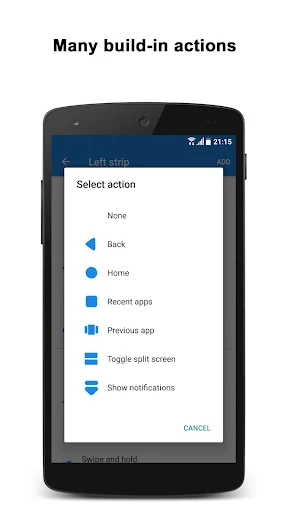
Actions:
- Home
- Back
- Recent apps
- Toggle split-screen (Android Nougat+)
- Open previous app (Android Nougat+)
- Hide strip
- Pull down notifications
- Pull down quick settings
- Open power menu
- Show keyboard switch dialog
- Launch app
- Launch shortcut
- Lock screen (Android Pie+)
- Take screenshot
- Toggle WiFi
- Toggle Bluetooth
- Toggle auto sync
- Toggle flashlight
- Toggle screen auto rotation
- Toggle screen auto brightness
- Toggle Ring/Vibration
- Volume control
- Change screen brightness
A stylish gesture control app for Android that feels natural
Appearance and Behavior
- Customize the number of buttons
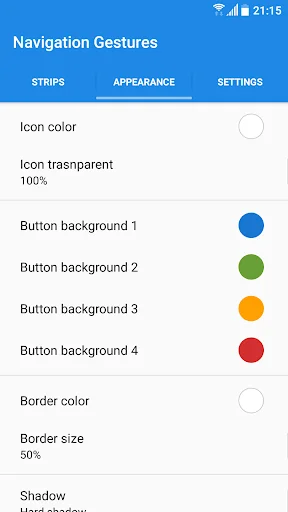
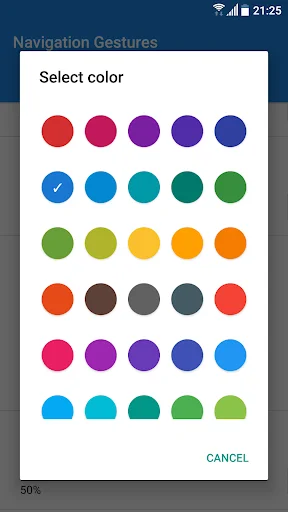
- Customize buttons' color, style, and more
- Adjust sensitivity
- Set size and position
- Adjust transparency
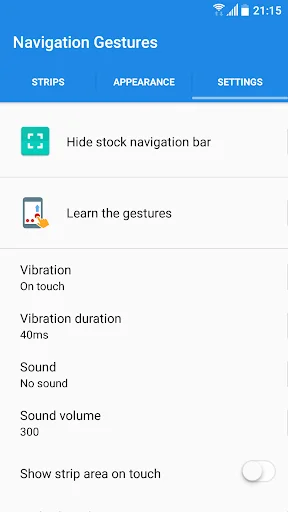
- Customize haptic feedback
- Blacklist to hide strips in selected apps
Our gesture control - navigation gestures app allows you to tailor every aspect of your navigation experience, providing unmatched flexibility and control. The swipe gesture control app for Android features make every interaction with your device smooth and intuitive.
Why Choose Our Swipe Control App?
- Effortless Navigation: Enjoy quick and easy access to essential functions with intuitive swipe gesture control app for Android.
- Highly Customizable: Personalize your device's navigation to match your preferences perfectly.
- Enhanced Productivity: Switch between apps, access settings, and control your device with simple gestures, saving you time and effort.
- Seamless Integration: Bring the advanced navigation gestures of top-tier devices to any Android smartphone.
Download Now Gesture Controls - Swipe Control App!
Transform your Android device with our advanced swipe control and gesture control app for Android. Experience the convenience and efficiency of modern navigation gestures today. Download now and take control of your device with effortless swipes and taps! No more pressing buttons—this gesture control app for Android lets you do everything with a swipe. 🌟
Use of Accessibility Service:
Navigation Gestures Bar app uses the Accessibility Service API to provide the best possible experience.
- We do not collect any personal information through accessibility services.
- We will not read your screen's sensitive data or any content.
- For this app to function properly, we need the Accessibility Permission. Accessibility services are required to receive a response from the system and to activate button strips.
See How Smooth Navigation Can Be


Join Thousands of Happy Users
Best free gesture navigation app out there. I use this with Launcher OS and Hidden Settings app to disable the default button navigation, and so far it's been working great. No need for any computer or adb commands. Love that you can set the button size to 0% to get a seamless experience.
Thanks a lot for developing this app! One day Xiaomi decided to remove support for gestures in their phones when using a third party launcher and your app is allowing me to keep using the phone comfortably until I can buy a new one and NEVER buy a Xiaomi again.
Amazing app if you use third party launchers. I would say it's the best one out there yet. Although you need to pay for some features like app launch. But besides that there is an awesome selection for the non paid users as well. 10/10 recommend.
This app allows me to use gestures with a third party launcher without any lagging. It works perfectly for my needs.
Navigation is hidden swipe up to use like vivo and oppo
Does exactly what's advertised. Works flawlessly