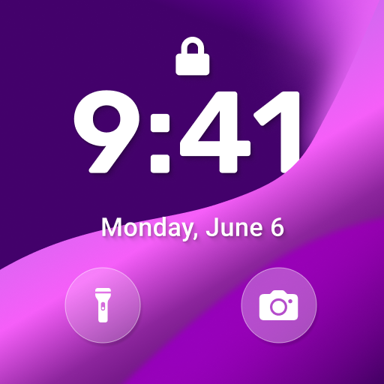
Transform Your Android into iOS 17
Get the premium iPhone lock screen experience on your Android device. Enjoy authentic iOS 17 style notifications, control center, and security features – all completely free with no ads.
Everything You Love About iOS, Now on Android
Authentic iOS 17 Experience
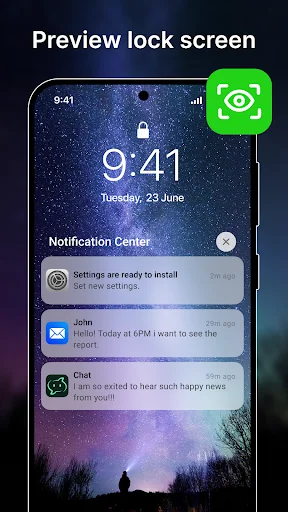
Transform your lock screen with the exact iOS 17 interface. Access the sleek control center, view notifications in iOS style, and enjoy the premium iPhone look without switching devices.
Personalize Every Detail
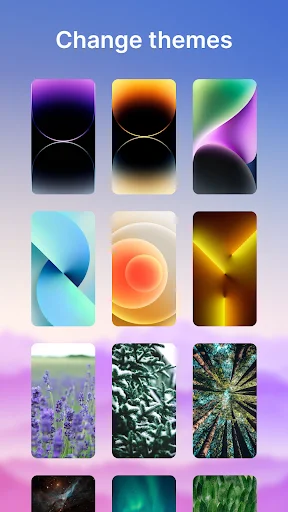
Make it uniquely yours with 100+ exclusive wallpapers, customizable date and time colors, and both dark and light modes. Create the perfect lock screen that matches your style.
Fast and Efficient
Enjoy a lightweight app that uses minimal battery and memory. Works perfectly offline with no internet connection needed, so your phone stays fast and responsive all day long.
Secure and Convenient
Protect your phone with multiple unlock options including pattern and swipe. Get quick access to your camera and flashlight with long press, and see all your notifications at a glance.
About This App
iLock Screen - Experience OS 17 on Your Android!
Love your Android device but miss the sleek lock screen of OS 17? Look no further!
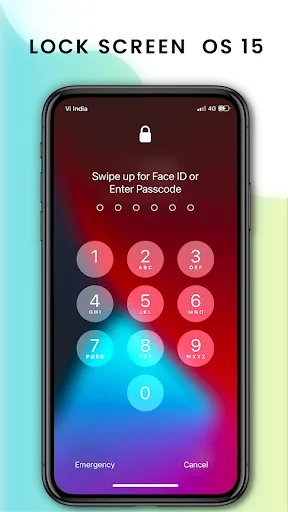
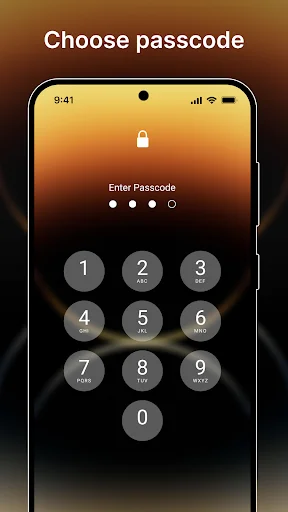
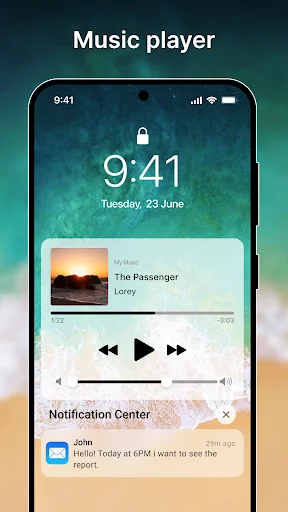
Introducing iLock Screen – a personalized lock screen replacement that transforms your Android phone into the latest Phone's screen with ease. Protect your phone from unwanted access quickly and simply. Enjoy OS 17 lock screen style notifications, music player, and security passcode right on your Android device.
Features of iLock Screen - Phone Lock:
- Transform your Android phone lock screen into the exact latest Phone's screen
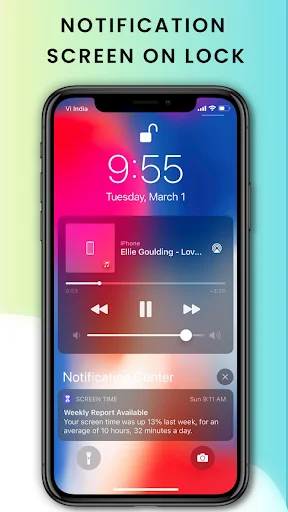
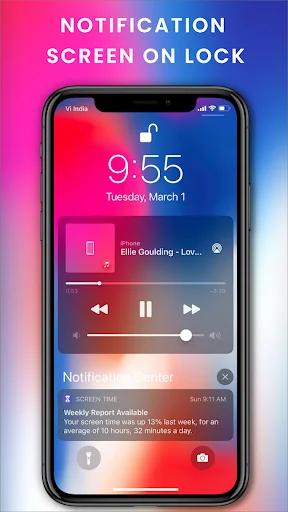
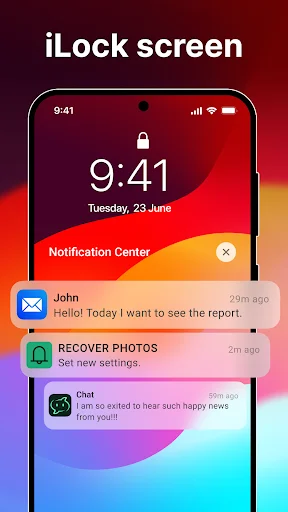
- Lock screen with notifications
- No ads - completely free with no premium version
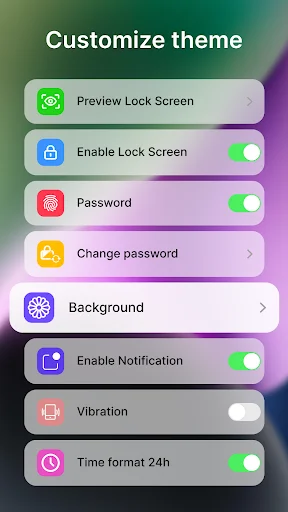
- Supports both Dark & Light Mode
- Simulate Phone Lock Screen style OS 17
- Long press on Flash to turn on/off Flash
- Long press on Camera to open Camera
- iLock screen pattern
- Swipe to unlock screen
- Press home to unlock style OS 17
- Show all notifications on lock screen
- Control center style with the latest OS 17
- Clearly shows the battery percentage on your Home screen
- Quick access to Camera like iCamera
- Supports 12-Hour or 24-Hour time format
- Change color of date/time
- No internet connection needed
- Easy to use with a nice user interface
- Displays missed calls and unread messages on the notification panel
- Unlock sound enable/disable
- Unlock vibration enable/disable
- Small size application
- Consumes less memory and battery with a simple and clean design
- Lightweight and quick to download and install
- 100+ unique OS wallpapers available
- Free for everyone
Permissions Required by App:
- CAMERA: To open the camera from the lock screen
- READ_PHONE_STATE: To turn off the lock screen while calling
- NOTIFICATION ACCESS: To get notifications on your phone
- READ/WRITE_EXTERNAL_STORAGE: To download and save more wallpapers
- DRAW OVER SCREEN: To show Lock Screen & Notification over all apps
- QUERY_ALL_PACKAGES: To search for all apps on the device within permitted uses
- BIND_ACCESSIBILITY_SERVICE: To allow apps to draw on the phone's lock screen and status bar. The app needs this permission to open the app by swiping from the top left edge of the screen and commits not to collect any other information. This app requires the accessibility service permission for:
- Detecting screen on/off changes to show lock screen.
- Detecting and controlling current media session from lock screen.
Unlock the Best Lock Screen Experience!
Download iLock Screen - Phone Lock now and enjoy the ultimate OS 17 lock screen experience on your Android device. Elevate your phone's security and aesthetics today! 🚀🔒
Secure and Stylish!
Get iLock Screen - Phone Lock App and transform your Android phone's lock screen into a sleek, secure, and stylish interface with OS 17 features. Don't wait – download now! 🌟📲
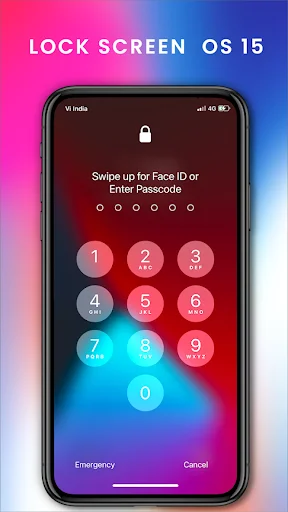
See the Stunning iOS 17 Transformation
Join Over 1 Million Happy Users
Authentic app. Very easy to use and very strong notifications displaying makes it better. 5 star rating. Most of these products in the play store is giving me so much excitement and thats why iam always exploring the google play store. You guys are really very creative. Its wonderful, thank you.
This app is very good, this isn't what i expected at first, but so far for me i really love it because it's so easy to use
good app but can you update the lock screen to ios 16 would really aprecciate it
Magnificent Experience with this app. my phone now looks like ios
This is the best ios lock screen i have ever used u will love it
Great app,finally I made my android phone into iPhone.e